Product photography
Photograph once.
Shoot everywhere.
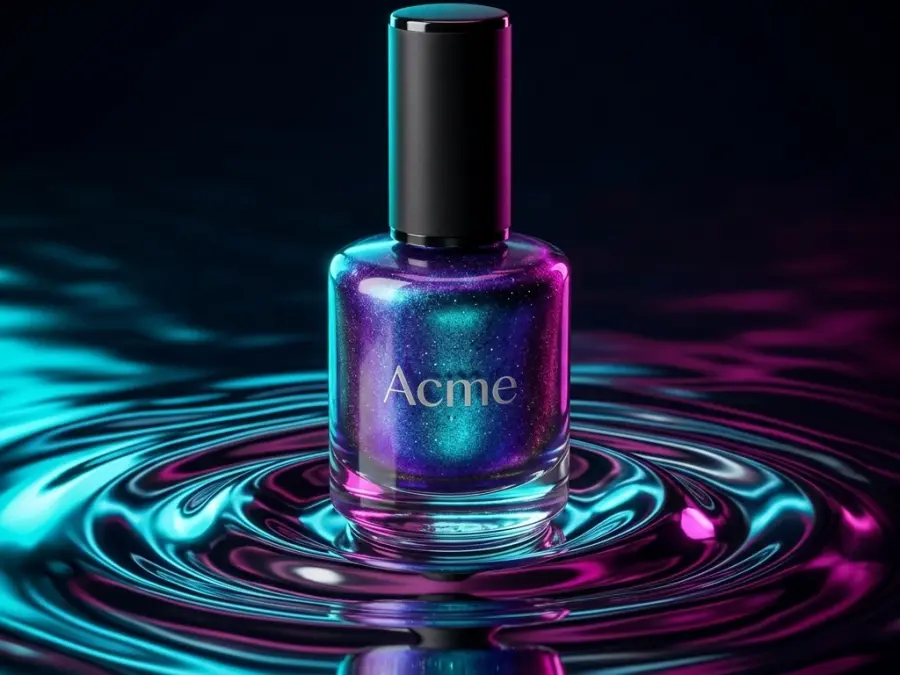
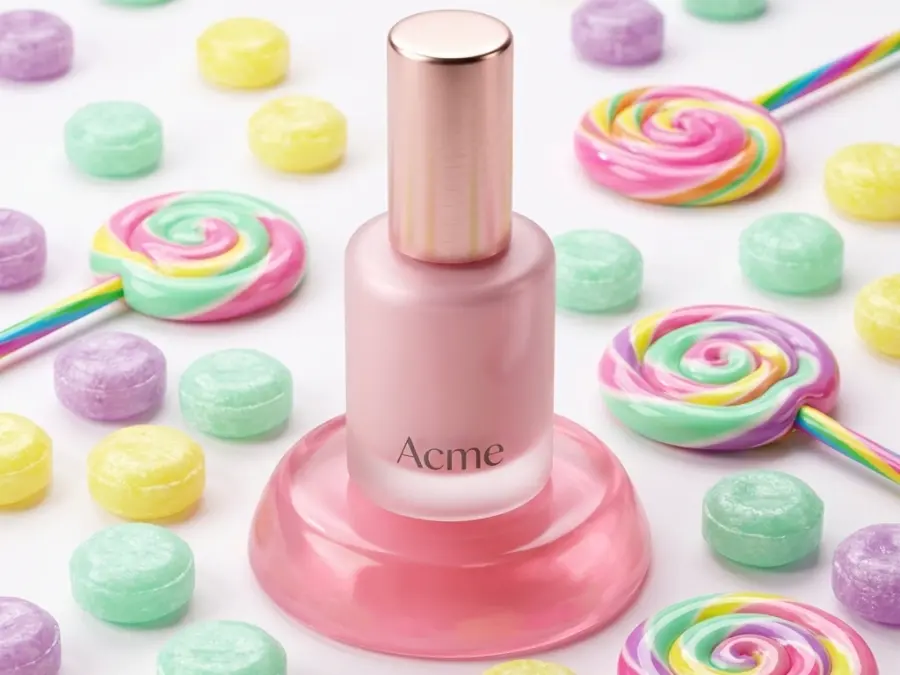
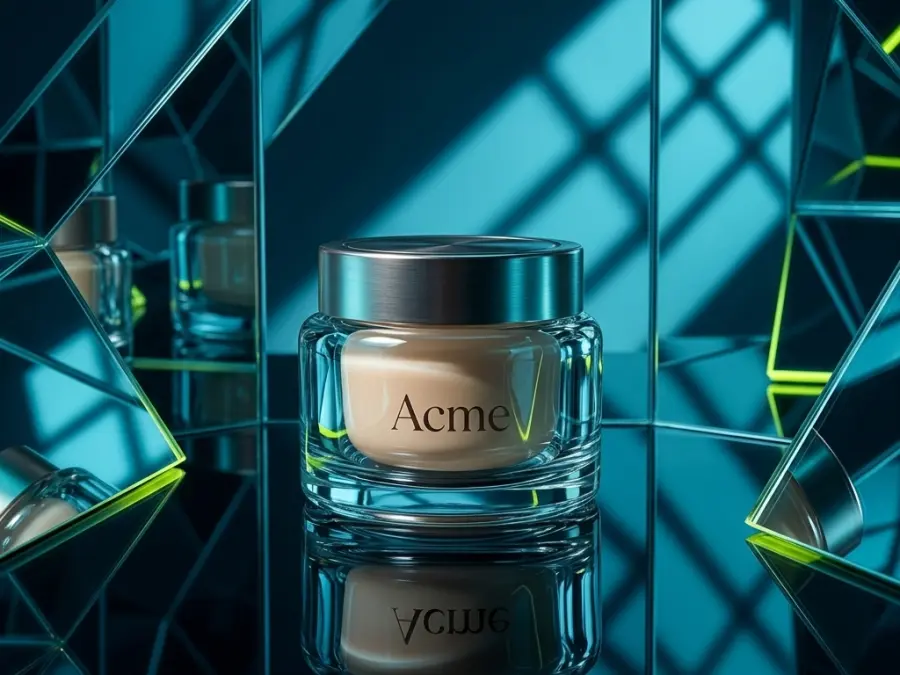
Upload the product photo you already have. VisualsAI places it in finished scenes and returns catalogue-ready images. The product never changes. Only the room does.
No card. 50 free credits to try any model.
2
credits per image
4K
exports
1:1
to 9:16
Sample run
- Uploading your photo
- Choosing a scene
- Generating
Reading the colours and the edges
Scenes in rotation
Written for products, not for art

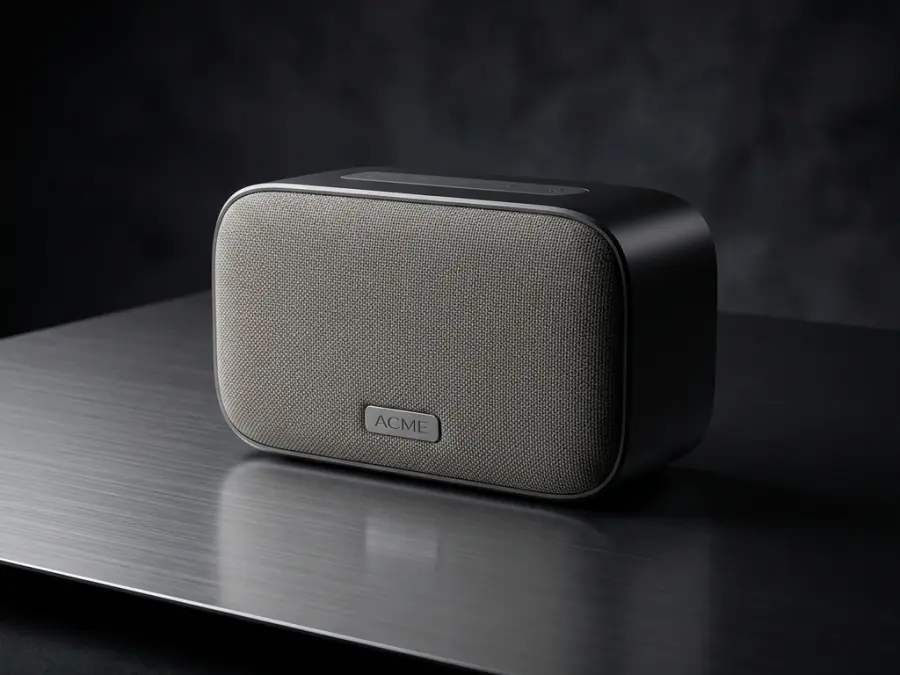
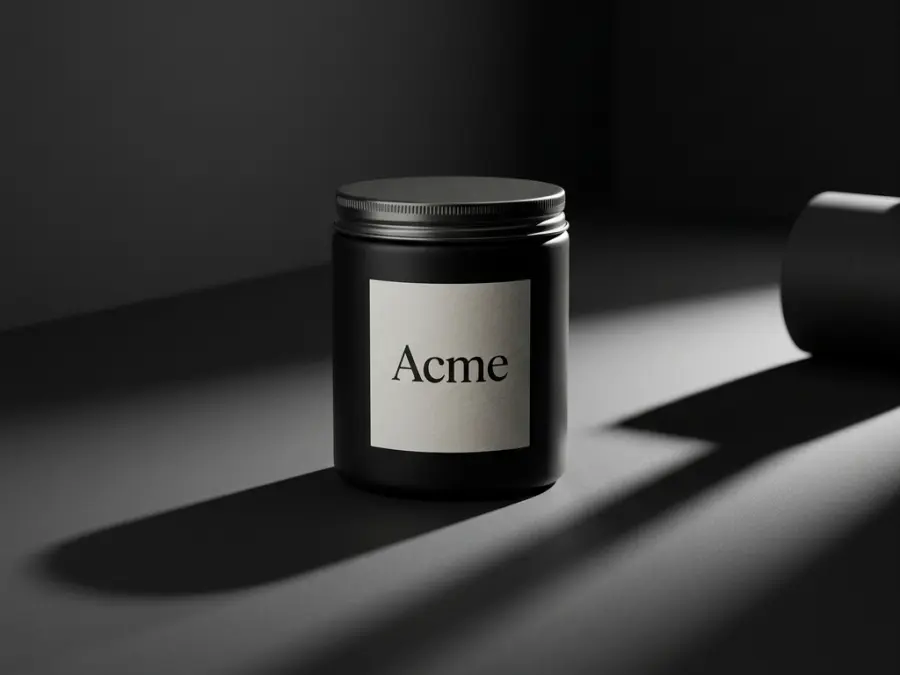




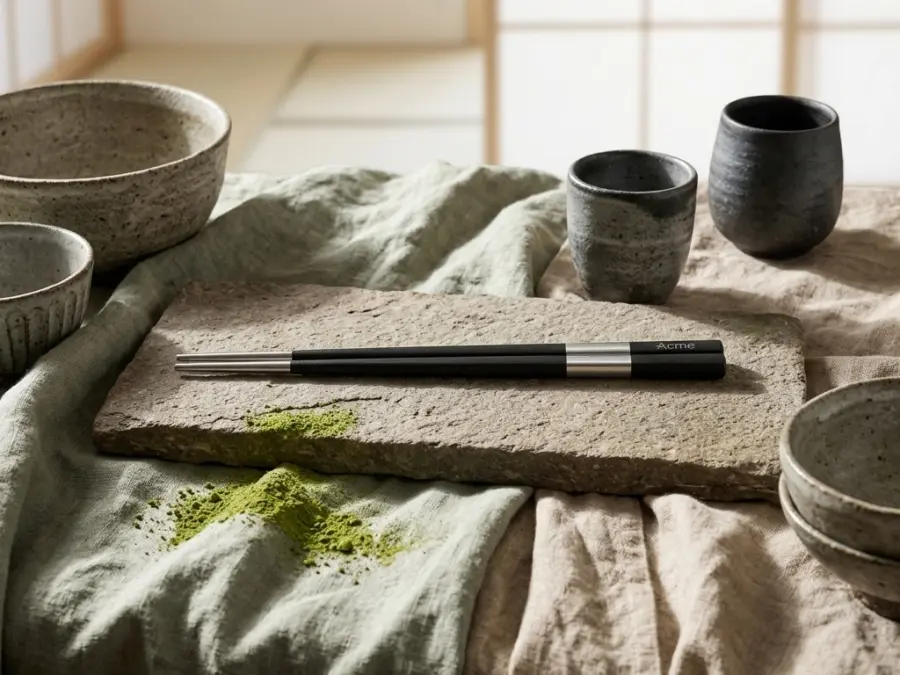



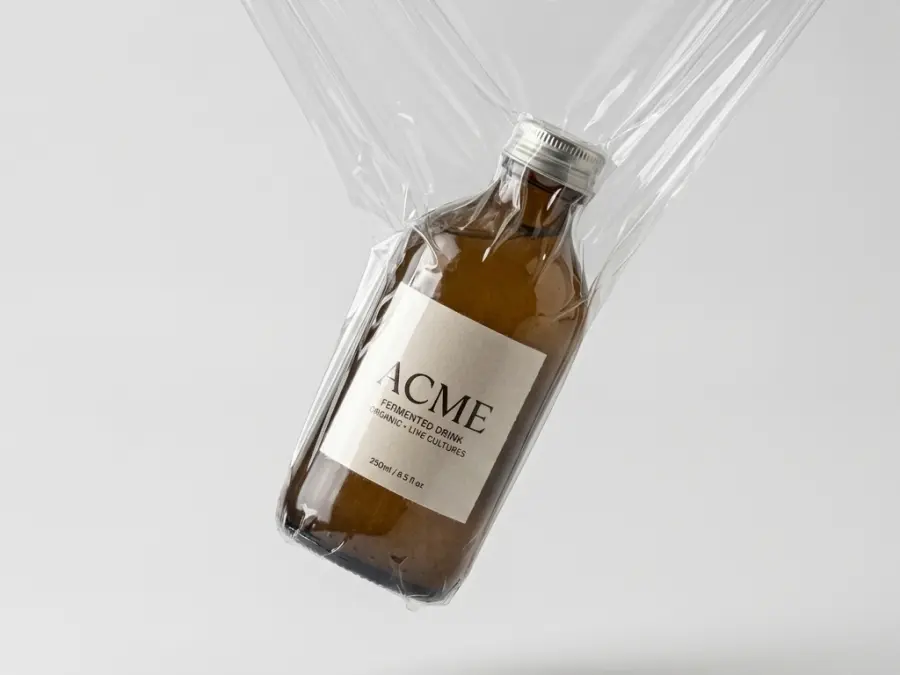
One upload
Four rooms, from a single photo. Keep scrolling.
Avant-Garde Plastic Wrap
Mediterranean Terracotta Courtyard
Glossy Candy Wonderland
Cyan Infinity Mirror Studio
The light, the surface and the framing change. The product does not.
One image, every placement
Shot once. Cropped for wherever it lands.
A product page needs four formats before lunch. The scene is generated once and exported for each placement, so the same photograph does not have to be shot twice.
Same source image, four crops. Every run produces the format you ask for.
Scenes by category
Every category has its own light.
Scenes are written per category, so the light and the props fit the product instead of the other way round.
Most web shops do not need a better camera. They need the photograph they already have, in twelve more places.
What you get
Each run produces several images from the same product in the same scene, so a product page does not end up looking like four different shoots.
Scenes, not prompts
Pick a scene and a model. The prompt work, the negative prompt and the light are already written.
Your colours
The palette is extracted from the uploaded photo and kept with the generation, so exports match the product page.
Failures are visible
Rate limits, retired models and timeouts are named, refunded and retryable. If nothing comes back in fifteen minutes, the run stops waiting.
A library, not a folder
Everything is searchable by prompt, project and liked state, and every image keeps the prompt that made it.
Showcase
Pick a scene. That is the whole workflow.
Pick a row to preview the scene.
Compare
Against the alternatives
No claim that any of these are bad. They solve different parts of the problem.
| Studio shoot | Stock photos | VisualsAI | |
|---|---|---|---|
| Your actual product | Yes | No | Yes |
| New scene tomorrow | Book again | Search again | One click |
| Cost per image | High | Low | 2 credits |
| Consistent across a catalogue | Yes | No | Per scene |
Pricing
Pay for credits, not seats
One credit is one image. Plans include a monthly amount and you can buy more without changing plan.
Free
$0
0 credits , 1 user
- Basic AI generations
- Standard backgrounds
- 720p exports
- Community support
Basic
Recommended$35 / month
1 000 credits , 5 users
- Unlimited AI generations
- Premium backgrounds & scenes
- 4K exports
- Batch processing
Pro
$75 / month
3 000 credits , 20 users
- Unlimited AI generations
- Premium backgrounds & scenes
- 4K exports
- Batch processing
Annual billing is ten months for twelve. Prices exclude VAT.
Questions
Before you upload
Does the product change?
No. The product is placed in a scene. Text, logos and proportions stay as they are in your upload.
What happens if a generation fails?
The run says what the provider said, refunds the credits for that image and offers a retry. If nothing comes back within fifteen minutes it stops waiting and refunds.
Can I use the images commercially?
You own what you generate. You are responsible for having the right to the product photos you upload.
Which models are used?
The catalogue is maintained per environment, and you can see and choose the model on each run.
Try it with one product. If it does not hold up, you have spent nothing.
Twenty credits, no card.
VisualsAI